

Central Registration allows parents to choose and register online for the schools of their choice. Parents can process online registration through their children's “Macao One Account” or select “General Log in” on the webpage of “Central Registration for Children Entering Kindergarten for the First Time” on the DSEDJ website(www.dsedj.gov.mo). If they choose “General Log in”, they will receive an SMS verification code after entering the information according to the instructions. Registration process is as follows:
Parents can register through “Macao One Account” / on the DSEDJ website.
1 Input the “basic information” according to that on the identity documents and upload a child's recent photo which meets the requirements.

2 Can choose at most 6 Macao local schools and 1 “school for Macao children” in Hengqin.
3 Input the “supplementary information” as requested by the selected school(s). Then, click the button “Confirm and Submit”.
4 A confirmation SMS will be sent to the registered mobile phone within 24 hours after submission of the information.
If assistance is needed, bring the following documents to the DSEDJ counters to process registration:
− 1 recent photo of the child which meets the requirements
− ID originals and photocopies of the child and of his/her father/ mother/ guardian
Parents must bring the following documents to the DSEDJ counters to process registration:
− 1 recent photo of the child which meets the requirements
− ID originals and photocopies of the child and of his/her father/ mother/ guardian
− The “Slip of Authorisation to Stay” issued by a competent entity of the Macao SAR or supporting document(s) of the child's application for a stay or residence permit from a competent entity
 Guidance notes for registration:

Release of the admission list on the DSEDJ website and at school
on 8 April
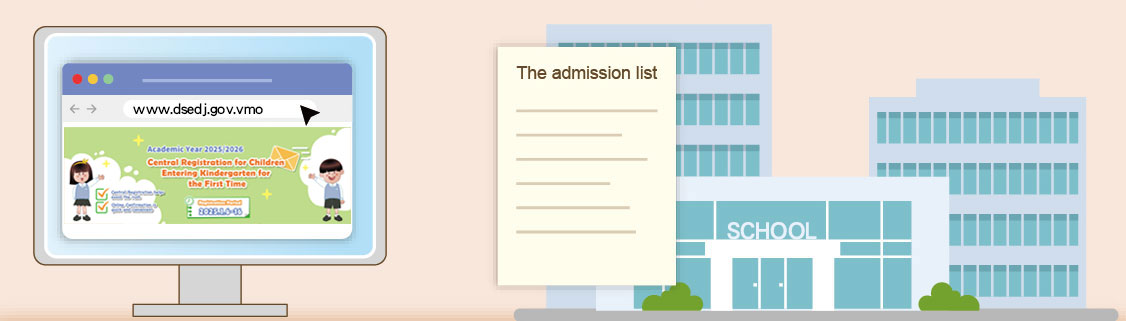
Parents who have completed Central Registration are required to log in to “Macao One Account” / the DSEDJ website to:
Check the admission status of their child;
Confirm which school to enrol their child in;
Obtain the “First-time Enrolment QR code” and take a screenshot of it.
First-time Enrolment QR code
Parents who have completed Central Registration can log in through “Macao One Account” / on the DSEDJ website to obtain the “First-time Enrolment QR Code” from 8 to 30 April 2026. When carrying out enrolment at school, parents can present the screenshot of the QR code on their mobile to the school staff. Each“First-time Enrolment QR code”can be used once only. If necessary, parents can obtain the QR code again using the above-mentioned methods.
Information about special education and inclusive education

[ Back ]